Fall Protection
-
 Global
-
Africa
-
Asia Pacific
-
Europe
-
Latin America
-
Middle East
-
North America
- |
- Partners
- |
- SPS Blog
- |
- Contact Us
- |


Safety and Productivity Solutions
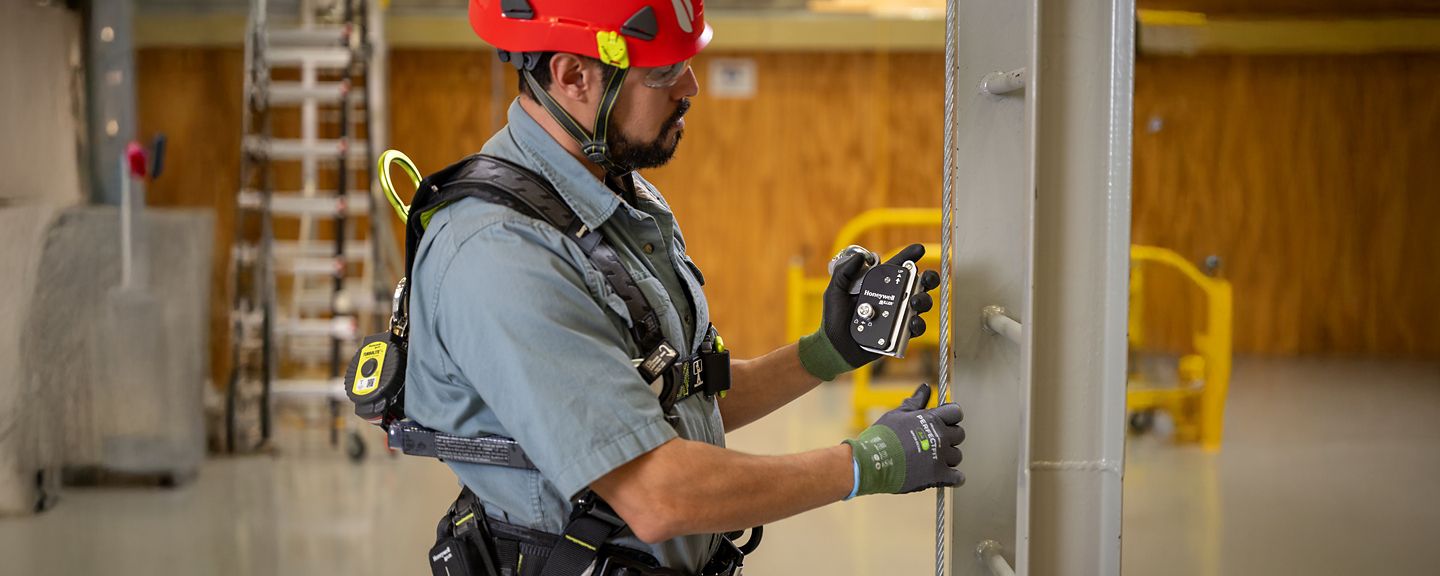
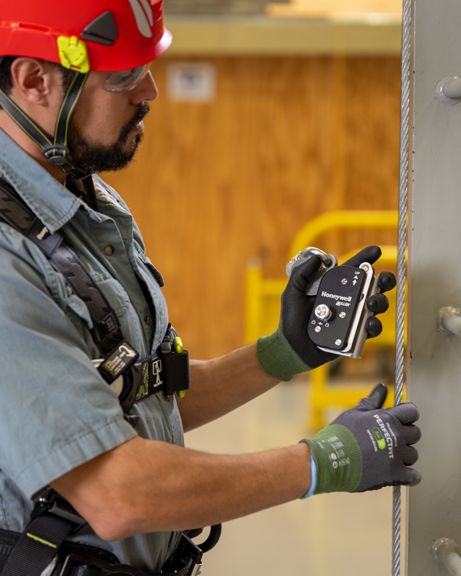
Fall Protection
Cutting edge safety for working at height. Fall protection equipment, from anchorage connectors to rescue & descent devices, and everything in between.
Cutting edge safety for working at height
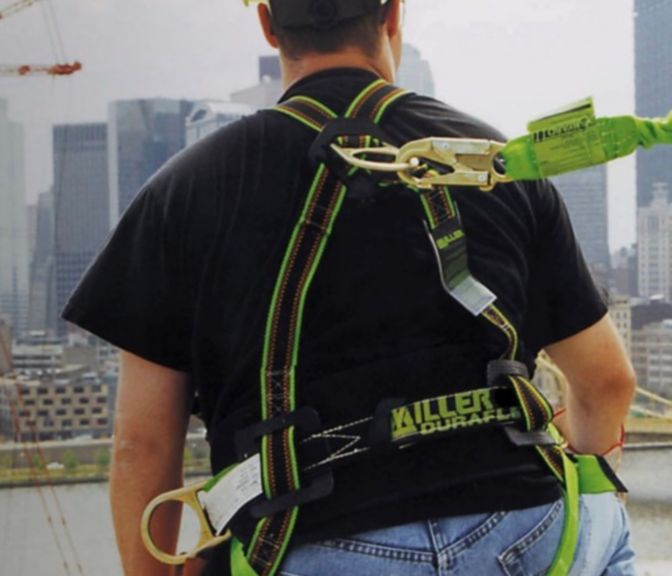
For many industrial employees, working at height is just another part of the job. That's why Honeywell Miller has created the most innovative fall protection equipment with the mission of keeping your team safe on the edge of a building, in a bucket truck or in a confined space.
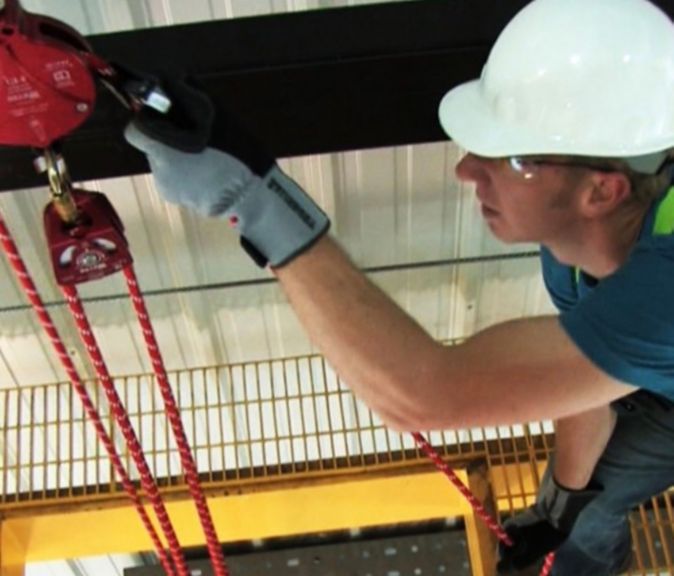
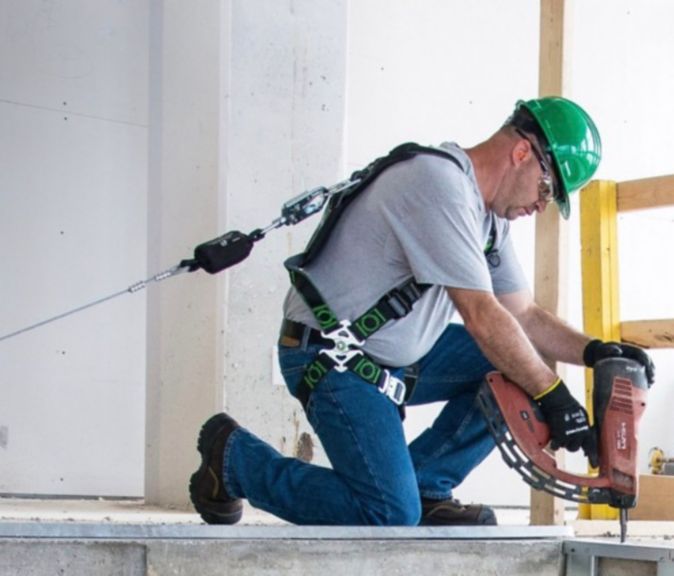
Whether you're looking for harnesses, self-retracting lifelines, or horizontal and vertical lifeline systems, Honeywell's fall protection equipment is designed and manufactured to keep workers cool and comfortable, help maintain range of motion and hold up with strength when put to the test.
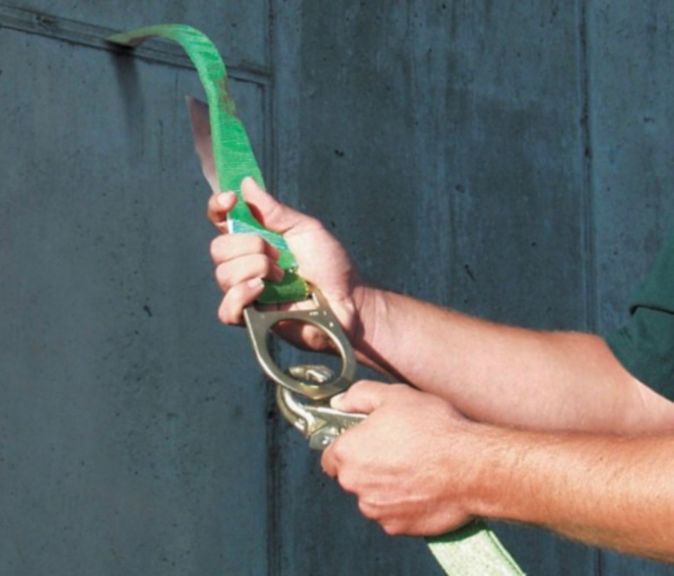


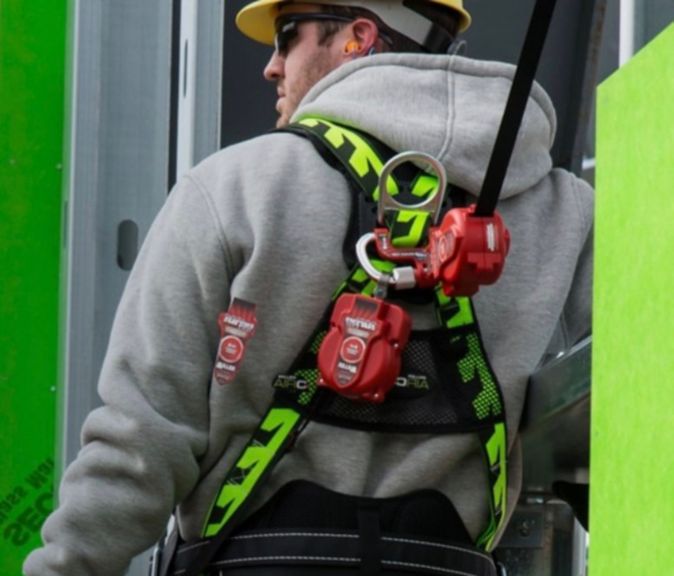

Product Finder
Start your search with category name, product name, part number, etc.
